
Description
Have you discovered the real reason for your screen recordings’ low view count?
With the validation of over 1000 customers, we offer the ultimate solution!
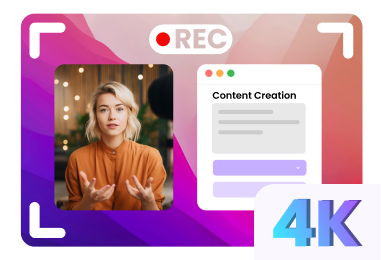
High-resolution images
Say goodbye to blur, create 4K videos effortlessly.
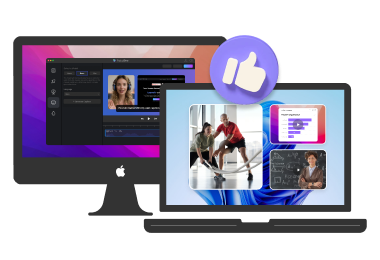
Cross-platform support
Perfect compatibility with Windows and Mac.
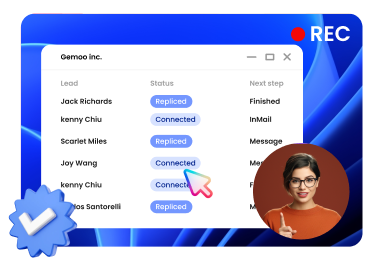
Synchronized recording
Automatic recording of screens, selfies and comments.
Intelligent post-processing
Create stunning videos instantly, without manual editing.
Screen recording comes with automatic editing
Simply record your screen, selfie, and voiceover as usual. FocuSee automatically tracks your cursor movement, applies dynamic zoom effects, places a beautiful background, and generates a professional-looking video that’s ready to use. Save valuable hours and extra effort in video editing.
Designed for everyone
Adjust zoom positions, levels, and durations, or add new zooms for maximum visual impact.
Make your focal points pop. Draw your audience’s attention precisely where you want it.
Choose from 9 mouse cursor styles, 7 click effects, and 3 click sound effects to match your video’s style.
Add automatic subtitles instantly
Automatically generate subtitles for your videos and edit them as needed to ensure 100% accuracy.
Choose a layout for your needs
Choose the selfie and screen layout that best suits your purpose: side by side, overlaid, or just on screen.
Enhance your videos with motion blur
Achieve natural movement in videos with motion blur. Make your videos more cinematic and visually appealing.
Create individual presets
Create custom presets for settings like zoom, cursor, background and apply them with one click.
Add custom watermark
Add a watermark to your video to strengthen brand identity and ensure copyright protection.
Trim and change speed
Trim, cut, crop, speed up, or slow down specific sections. Make your video concise and clear.
Choose different frames and filters
Customize your appearance with camera frames and filters. Reflect your individual or brand style.
Make videos more engaging
Add a background, adjust rounded corners, and set shadows, inset, and padding. Make your video more engaging.
Capture and display keyboard shortcuts
Automatically capture and display keyboard shortcuts during screen recordings, making software tutorials clearer and more engaging. Ideal for step-by-step instructions so viewers can follow along effortlessly.
Simultaneous microphone and system audio recording
Capture microphone text and system audio with separate audio tracks. Perfect for tutorials, voiceovers, and clear, editable screen recordings.
Integrated teleprompter display
Use the onscreen teleprompter to scroll through your script while recording. Ideal for video tutorials and slide presentations, this keeps you focused and reduces the need for post-production editing.
Multiple export and sharing options
Preset size forsocial media
Video or GIF, you decide
Export your content as stunning videos up to 4K or as high-quality GIFs, providing the flexibility to adapt to your specific use cases and audience preferences.
High-quality video, affordable solution
Say goodbye to expensive outsourcing, complex editing, and hours of effort. With FocuSee, you can create professional-looking videos in less than a tenth of the time, effort, and cost.
Before using FocuSee
Complex processing with specialist knowledge required
Hours are required per video
Apps for video recording, editing and sharing
€1,000 for the production service of 1 video
Are your videos getting few views?
After using FocuSee
Automatic processing without input
Minute cost per video
One app for the entire workflow
Cool animations and smart zoom increase your views

Reviews
There are no reviews yet.