

Description
Mirror everything on your phone screen to your computer in real time
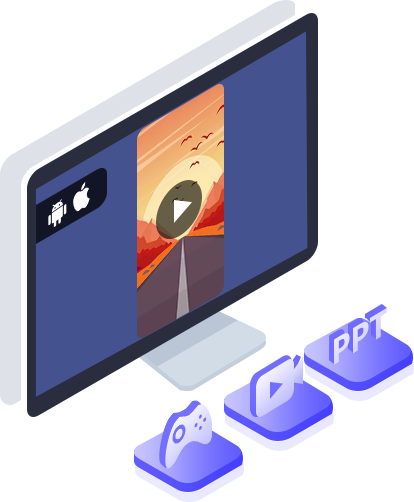
Want to play your iPhone videos on a larger screen? If you’re tired of wasting time transferring media files from your phone to your computer, you can use Aiseesoft Phone Mirror. With this software, you can easily mirror your iOS/Android phone screen to your computer. When you’re playing music and mobile games, sending messages to others, viewing PPT files, and opening other applications on your mobile devices, you can also use Phone Mirror to view all phone screen activities in real time.
Flexibly mirror iOS/Android devices on your computer
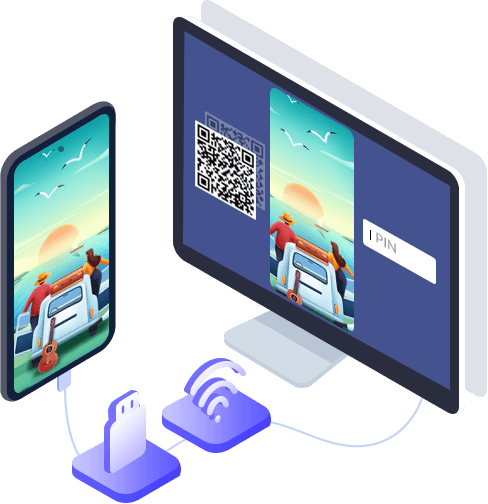
Aiseesoft Phone Mirror offers you various connection methods to choose from. This software supports Wi-Fi connection between mobile devices and computers. If you’re an iOS user, you first need to make sure your device and computer are connected to the same Wi-Fi network and open the “Screen Mirroring” option. For Android devices, you can mirror your phone over Wi-Fi by scanning the QR code or entering the PIN code. If you want to mirror your phone without Wi-Fi, you can also mirror your Android phone’s screen to a computer via USB.
Project various mobile devices on the computer stably and securely
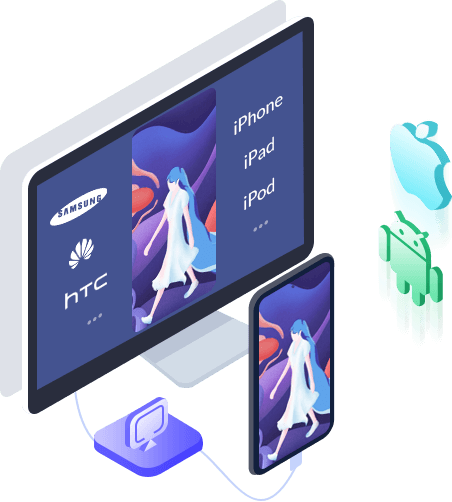
Aiseesoft Phone Mirror provides you with a stable and secure screen mirroring environment. You can mirror your phone screen smoothly, while maintaining your privacy. Moreover, this program supports most iOS devices (including iPhone 16/16 Plus/16 Pro/16 Pro Max/16e, iPhone 15/15 Plus/15 Pro/15 Pro Max, iPhone 14 Pro Max/14 Pro/14 Plus/14, iPhone 13 Pro Max/13 Pro/13/13 mini, iPhone 12 Pro Max/12 Pro/12/12 mini, iPhone 11 Pro Max/11 Pro/11 and all models of iPad Pro, iPad Air, iPad mini, iPad, etc.) and Android devices (including Samsung, Sony, HTC, LG, Motorola, HUAWEI, Xiaomi, OPPO, Vivo, Google Phone, etc.).
Control your phone via PC (stable and easy)
Have you ever tried controlling your Android phone screen from your PC? For many gamers, the small phone screen can be a hindrance to viewing the game clearly. In this case, Aiseesoft Phone Mirror allows you to control your phone from your PC to play mobile games and easily show off your gaming skills on your PC. Of course, if you want to demonstrate other phone features, a large computer screen is more suitable. Moreover, with PC control, you can copy content directly to your computer for quick data transfer.
Excellent features
Aiseesoft Phone Mirror offers many practical features to enhance the user experience. Here are the four main features. You’ll discover more features while using the software.
Record your phone screen
Record phone screen on computer during mirroring
Take a screenshot
Take a screenshot during the projection at any time and share it with others
whiteboard
Draw and enter text on the phone screen during synchronization
Full screen
Display phone screen on computer in full or half screen mode
How to use Phone Mirror
Step 1
Download and install Phone Mirror on your computer. Launch the software, then select “iOS Mirroring” or “Android Mirroring” mode.
Step 2
Connect your phone to the computer via Wi-Fi and USB cable.
Step 3
Once connected, your phone will appear on the left. On the right, you can change the resolution, select the recording device, take a screenshot, and more.

Reviews
There are no reviews yet.