

Description
Download any Qobuz music in just 10 seconds
With MusicFab, you can effortlessly download Qobuz tracks in just 10 seconds. Convert songs to MP3, FLAC, or other formats while preserving the original metadata and lossless quality. Bypass regional restrictions, download entire albums or playlists instantly, and enjoy your music offline.
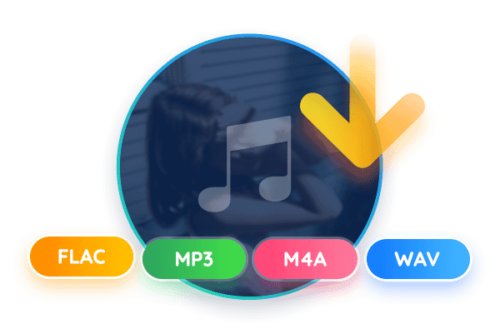
Download Qobuz tracks in FLAC, MP3, M4A, WAV & OPUS format
MusicFab Qobuz Converter makes it easy to download Qobuz songs in high-resolution formats like FLAC, MP3, M4A, WAV, or OPUS. Enjoy studio-quality lossless FLAC or compact files for optimized streaming. Fast, intuitive, and compatible with all devices—download songs offline, no subscription required. Perfect for audiophiles and casual listeners alike!
Batch downloads of Qobuz playlists, albums and podcasts
MusicFab Qobuz Converter simplifies your music collection by letting you bulk download playlists, albums, and podcasts directly from Qobuz. Save time with automatic batch processing, enjoy your favorite content offline, and effortlessly maintain high audio quality.
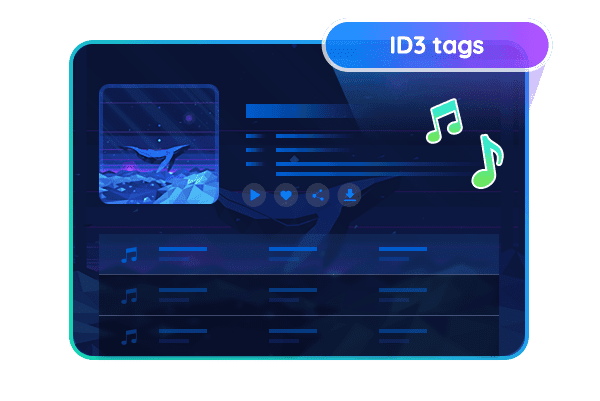
Download music with lyrics & preserve ID3 tags
MusicFab Qobuz Converter lets you download high-quality songs and automatically embeds lyrics into the audio files. Preserves original ID3 tags—including artist, album, and genre—to perfectly organize your music collection. Enjoy seamless compatibility with all devices and media players.
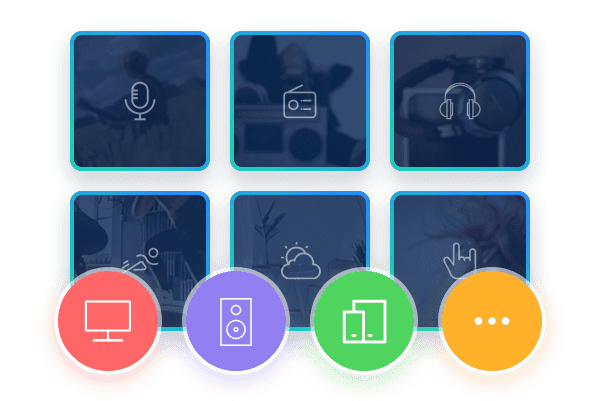
Download Qobuz songs for offline playback on all devices
With MusicFab Qobuz Converter, you can convert Qobuz tracks to DRM-free formats like MP3, FLAC, or WAV. Listen to your music offline on smartphones, tablets, PCs, or even in your car. Preserve the original audio quality while bypassing playback restrictions. Easily transfer songs to multiple devices and play them anytime, anywhere—no subscription required.
Advanced features
Download anywhere, with any Qobuz plan
Whether you use the Studio or Sublime subscription plan, MusicFab lets you access and download Qobuz music from anywhere in the world and enjoy your favorite tracks without regional restrictions.
Download via the integrated browser without the Qobuz app
The Qobuz Converter’s built-in browser lets you easily browse and download music without installing the Qobuz desktop software. This provides seamless access to building your offline music library directly from the web.
3 steps to download music
Step 1 Log in to your Qobuz account
Launch MusicFab and open Qobuz via the built-in browser. Log in to your account and search for the music you want to download for offline playback.
Step 2 Adjust charging settings
Once you open the details page of a track or album, MusicFab will automatically analyze the content. A settings window will appear where you can select your preferred output format and audio quality.
Step 3 Start downloading Qobuz
Click “Download Now” to start the download immediately, or select “Add to Queue” if you want to download later
System requirements
Windows 11/10 (32bits & 64bits)
1G Hz processor or higher
1GB or higher
10GB of free storage space or more
Live internet connection required
Reviews
There are no reviews yet.