

Description
Fix all iOS problems like a pro
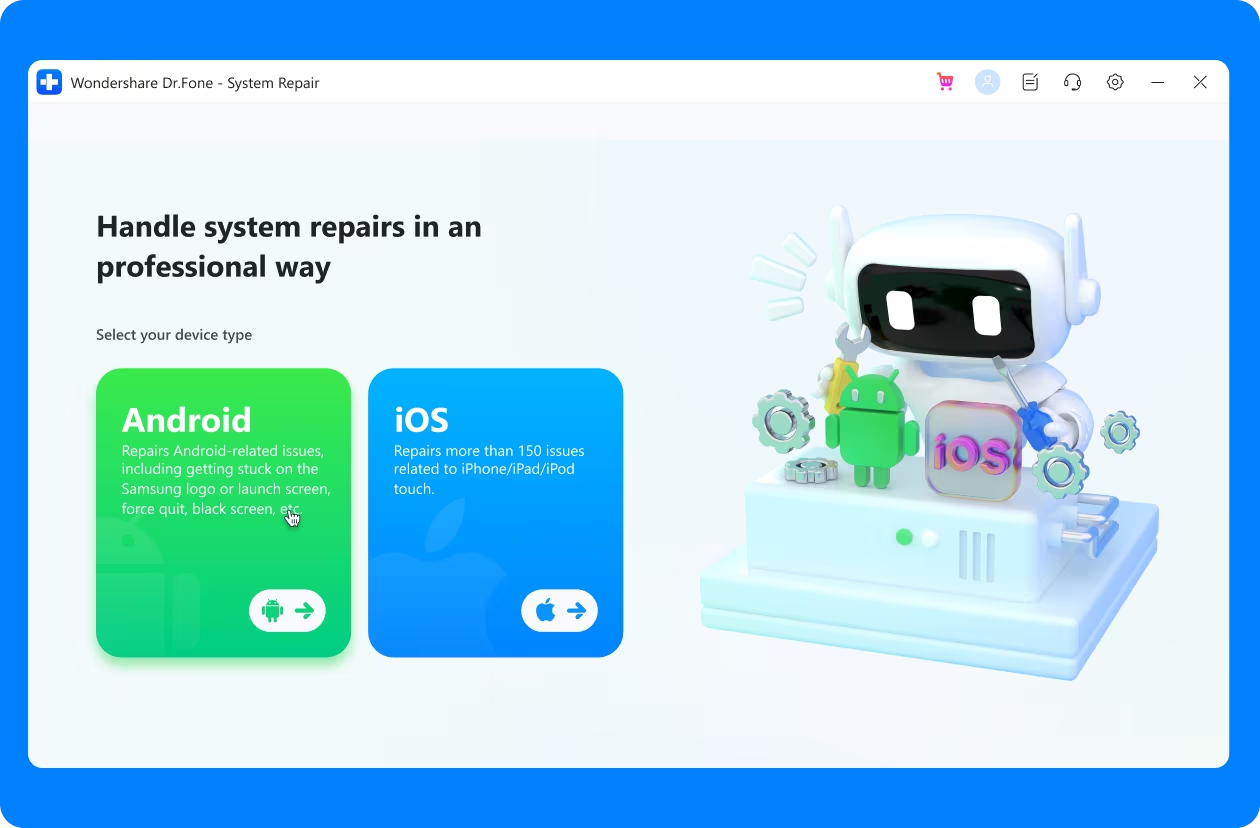
Dr.Fone – System Repair allows you to fix iOS issues in many common scenarios, such as black screen, recovery mode, white screen of death, and more. Dr.Fone has made this process so simple that anyone can repair iOS without any knowledge.
Stuck in recovery mode
White screen of death
iPhone black screen
iPhone frozen
the iPhone keeps restarting
Repair iOS and keep your data intact
Compared to iTunes restore or other methods that can fix your iOS system issue, Dr.Fone can repair iOS without data loss in most cases. All you need to do is connect your device and proceed with a few clicks. Then everything will be done within minutes.
Update and downgrade iOS without iTunes
Dr.Fone is capable of updating and downgrading iOS without jailbreaking. Most importantly, this upgrade process won’t cause any data loss on your iOS device. Please also note that downgrading to a previous iOS version only works if Apple still signs the older iOS version.
Explore iOS beta features
Are you an Apple fan or just curious about the new features in the iOS beta, especially compatibility, and want to try them out? But how do you get one if you don’t have a developer account? With Dr.Fone, you can update your iDevice to the latest iOS beta version for free with just one click and enjoy all the new features.
How to fix iOS system problems?
With Dr.Fone – System Repair, you can solve most system problems with just a few clicks. Dr.Fone offers three optional modes to meet individual user needs.
Standard mode
Keep User Data: This standard mode allows us to quickly fix almost all system issues without data loss, including crashes, black screens, and getting stuck on Apple logo or recovery mode.
Advanced mode
This mode is recommended when standard repair fails. It supports deep scan for repair in relatively complex scenarios and restores your iDevice to factory settings. Please note that all your data will be erased after the recovery.
Anti-Recovery Mode
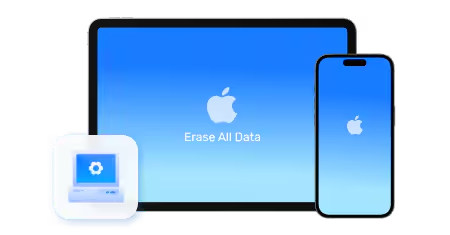
We recommend this mode if you want to sell your iDevice or wipe the data on it. It can fix complex iOS system issues and perform deep data wipes on your iDevice, including formatting hard disk chips.
Steps to use iOS System Repair
Dr.Fone is certainly not the only solution to fix iOS system problems, but it is certainly the easiest iOS system recovery solution with the highest success rate.
01 Launch Dr.Fone and connect your iPhone
Launch Dr.Fone, select System Repair and connect the iPhone to a computer.
02 Start downloading the correct iPhone firmware.
Select the correct model for your iPhone and start downloading the firmware.
03 Click “Fix Now” to restore iPhone to normal state
Wait a moment and your iPhone will return to normal.
Technical data
processor
1 GHz or faster processor (Intel or AMD)
R.A.M.
2 GB or more RAM
Hard disk storage
200 MB of free hard disk space
iOS
Supports all iOS versions, including the latest iOS version
computer operating system
Requires Windows 7 or later
Requires Mac OS X 10.8 and later



Reviews
There are no reviews yet.