
Description
Transfer WhatsApp from Android to iPhone and between different systems
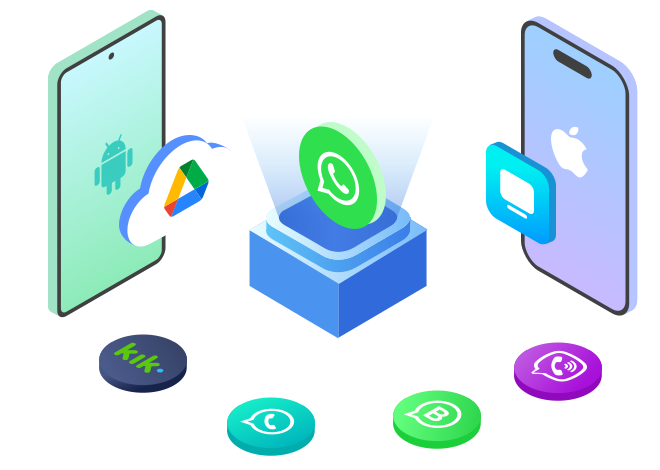
WhatsSync supports one-click WhatsApp transfer between different devices and systems. You can transfer WhatsApp chats from Android to iPhone or vice versa, Android to Android, iPhone to iPhone, or from phone to computer. The transfer process is seamless because WhatsSync supports the latest iOS 18 and Android 14.
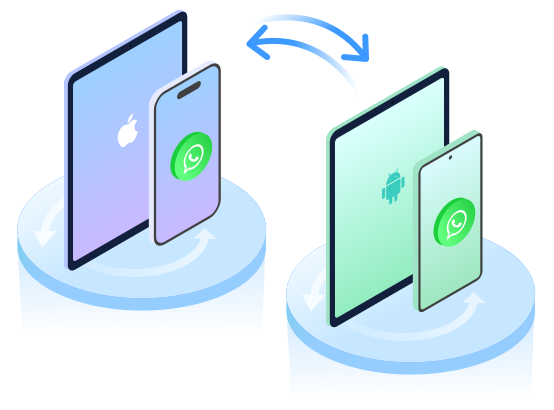
Transfer WhatsApp data from iPhone to Android.
Transfer WhatsApp from Android to iPhone with one click.
Completely transfer WhatsApp between Android devices.
Sync WhatsApp between almost all iOS devices.
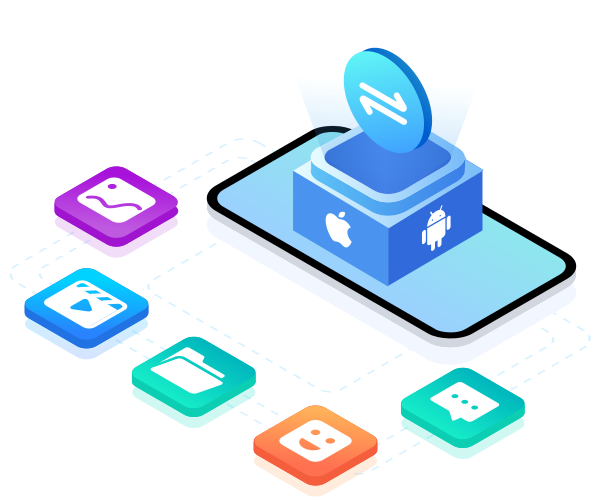
Transfer WhatsApp chats, pictures, documents and other data to a new phone
WhatsSync offers a secure and complete solution for transferring WhatsApp from Android to iPhone or vice versa. The program supports all types of data stored on your WhatsApp. Your chats, pictures, documents, videos, audio files, and other data will be securely transferred to any new device you connect. Your precious memories, favorite stickers, and important files will be kept safe with WhatsSync.
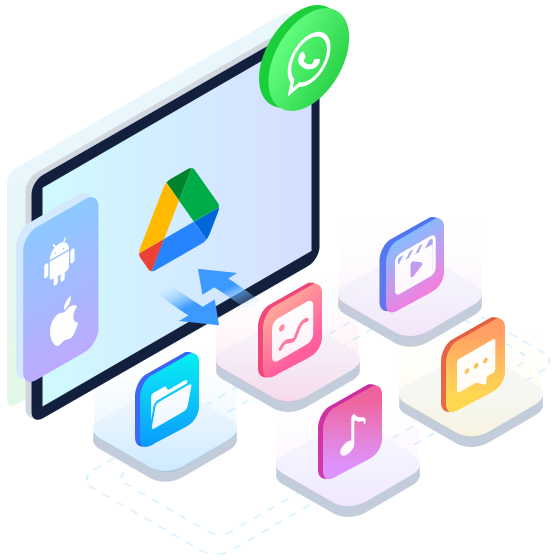
Backup WhatsApp to Google Drive and restore it to a new device
How to restore WhatsApp backup from Google Drive to iPhone or Android? With WhatsSync, you can first create a backup and then restore it. If your storage space is limited, use WhatsSync to back up WhatsApp data and free up your local storage on iPhone and Android devices. All chats and files can be imported to Google Drive. If you buy a new iPhone or Android, WhatsSync allows you to restore your previous WhatsApp backup to the new device with one click.
Excellent features
Aiseesoft WhatsSync offers a pleasant WhatsApp transfer experience with convenient features. The transfer process is secure, smooth, and convenient.
Secure backup
WhatsSync guarantees secure backup and transfer. All data is visible only to you. No one can access your backup.
Wireless transmission
WhatsApp transfer is no longer limited to USB transfer. You can transfer, backup, and restore all WhatsApp data over WiFi.
Wide compatibility
WhatsSync offers full support for the latest iOS 18, iPadOS 18 and Android 14 and a variety of other Apple and Android devices.
High speed
WhatsSync allows you amazingly fast speed to save the time for transferring WhatsApp data.
Full transfer
You can easily transfer and backup your WhatsApp data to a new phone. All data will be transferred to the selected device without any loss.
How to use WhatsSync
Transfer WhatsApp
Back up WhatsApp
Restore WhatsApp
Step 1: Launch WhatsSync and select “WhatsApp” > “Transfer WhatsApp”.
Step 2 : Connect the source device and destination device to the computer.
Step 3 : Click “Transfer” and choose whether to keep the WhatsApp data on the target device or replace it with data from the source device. Click “OK” to transfer WhatsApp data.


Reviews
There are no reviews yet.